¶ Summary
A scanner is always linked to one and exactly one config. The app will retrieve the config for a scanner at runtime, and adjust the design accordingly.
There are multiple ways to assign a config to a scanner.
¶ Mass assignment
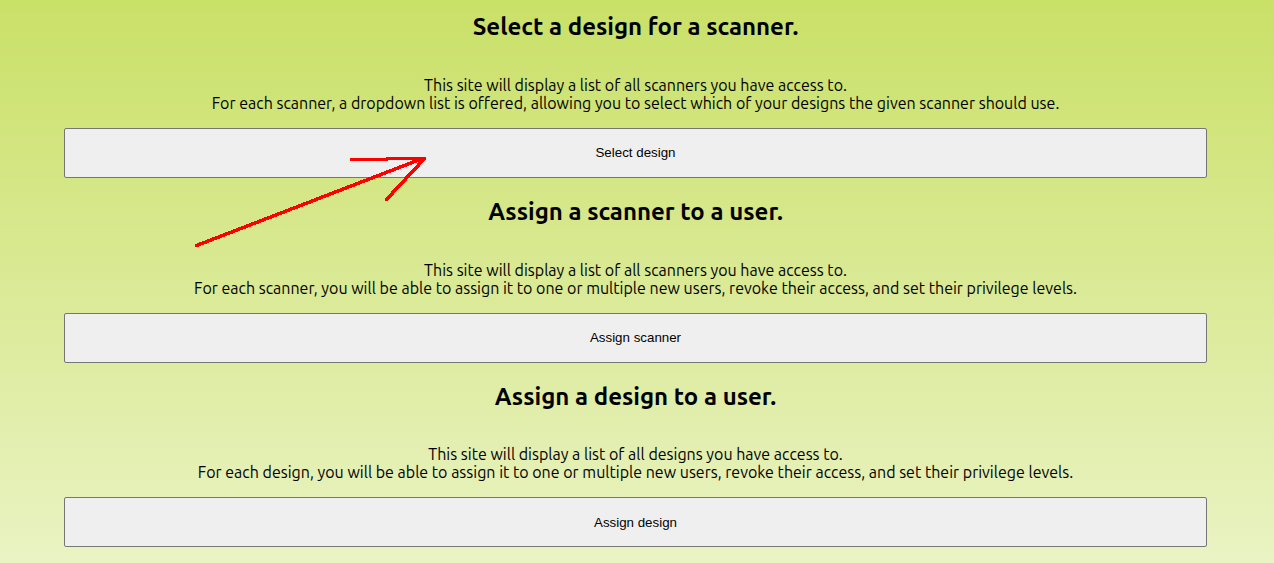
Open the config console, and click 'Select design'.
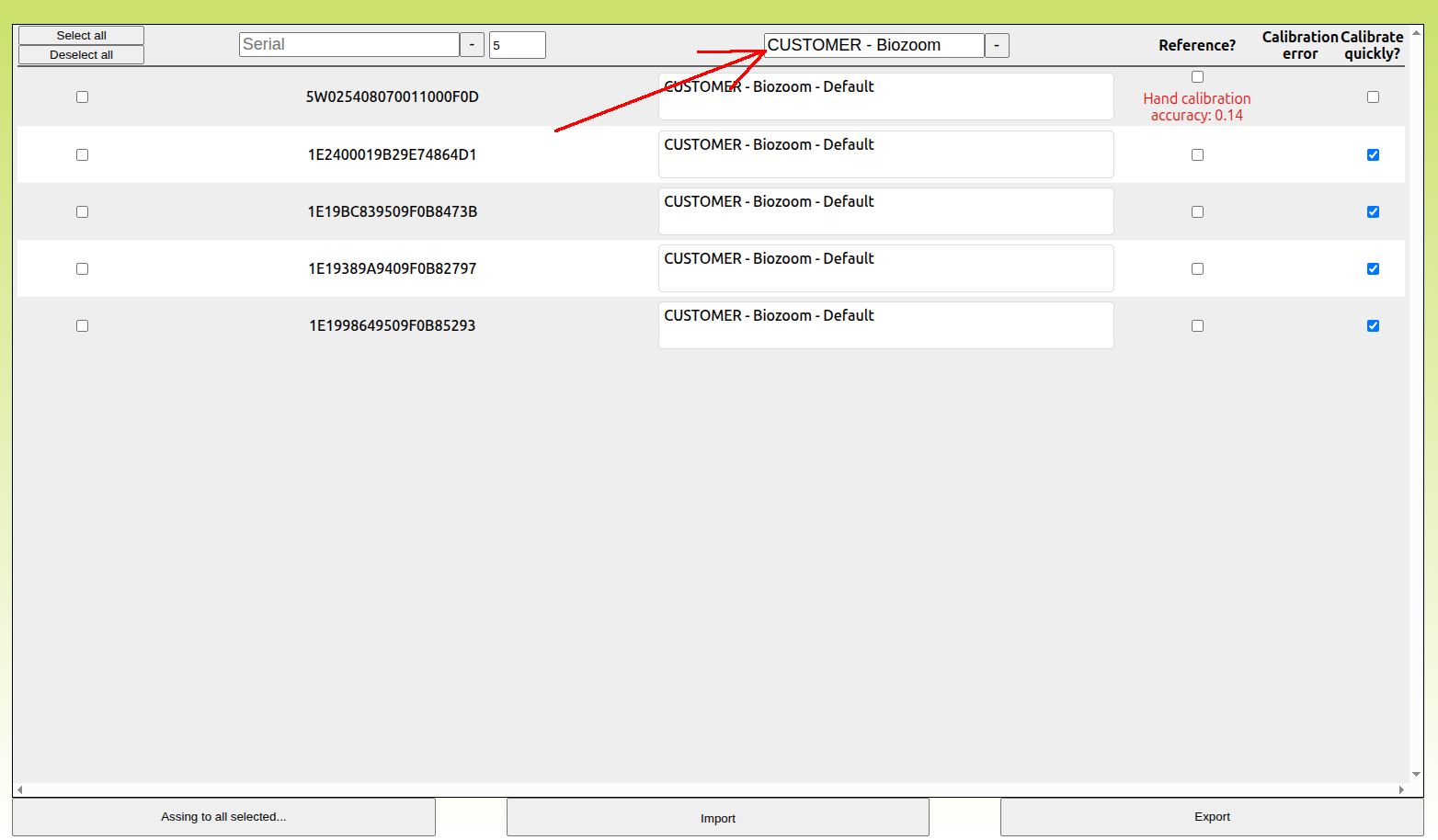
Enter the current config of your scanners in the search field.
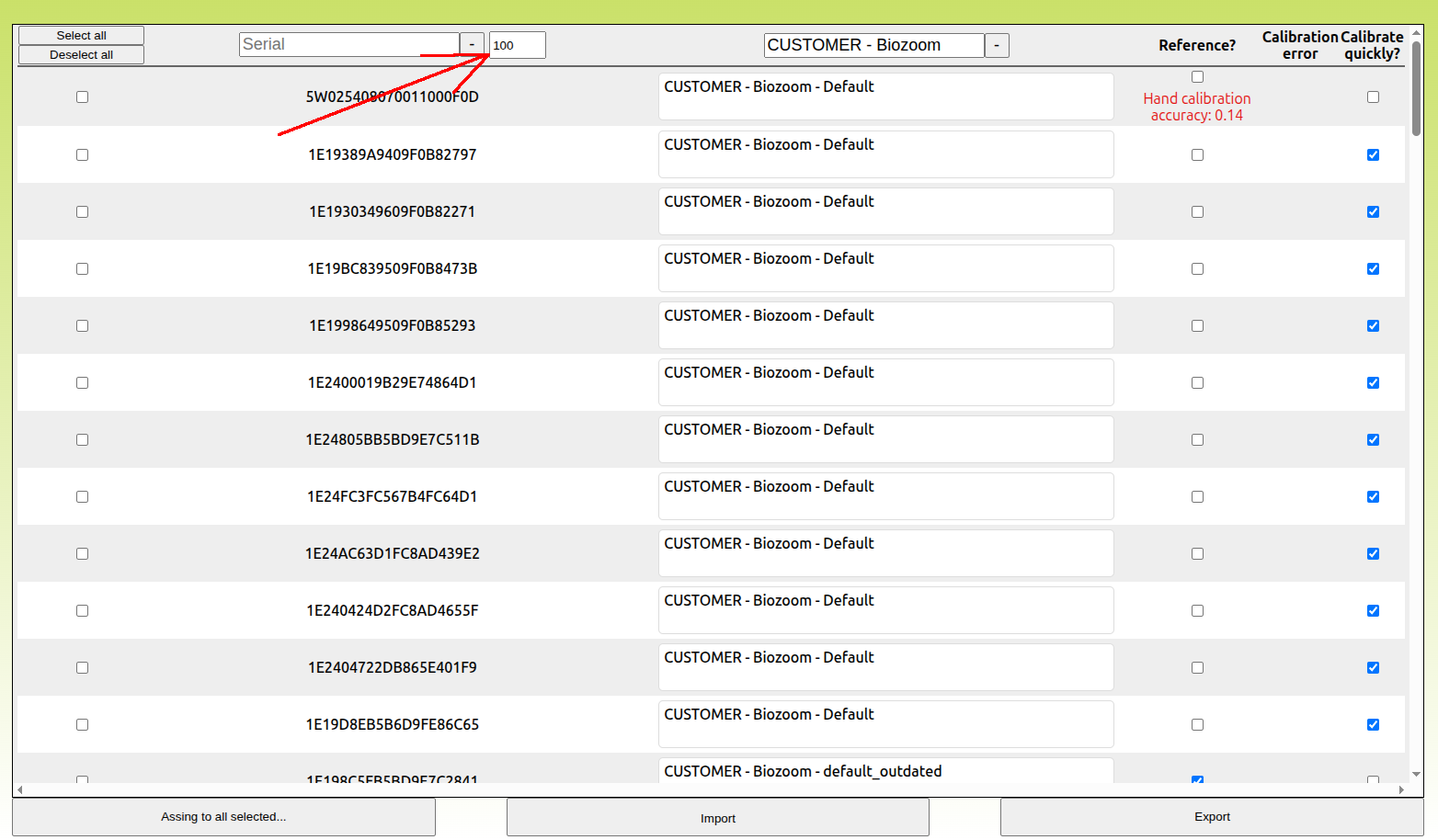
Adjust the limit of scanners that are displayed to ensure all of your scanners are visible.
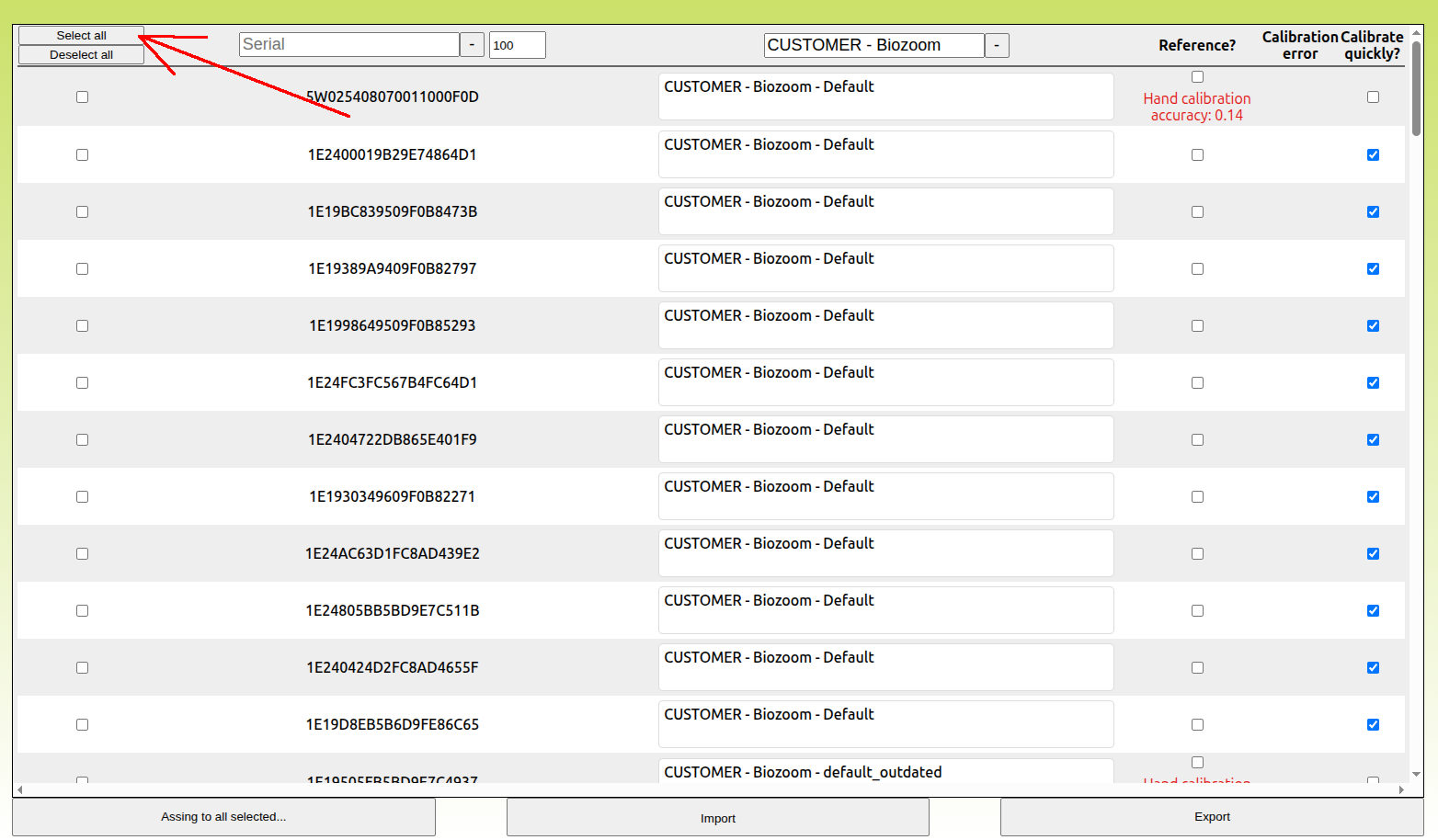
Click 'Select all'.
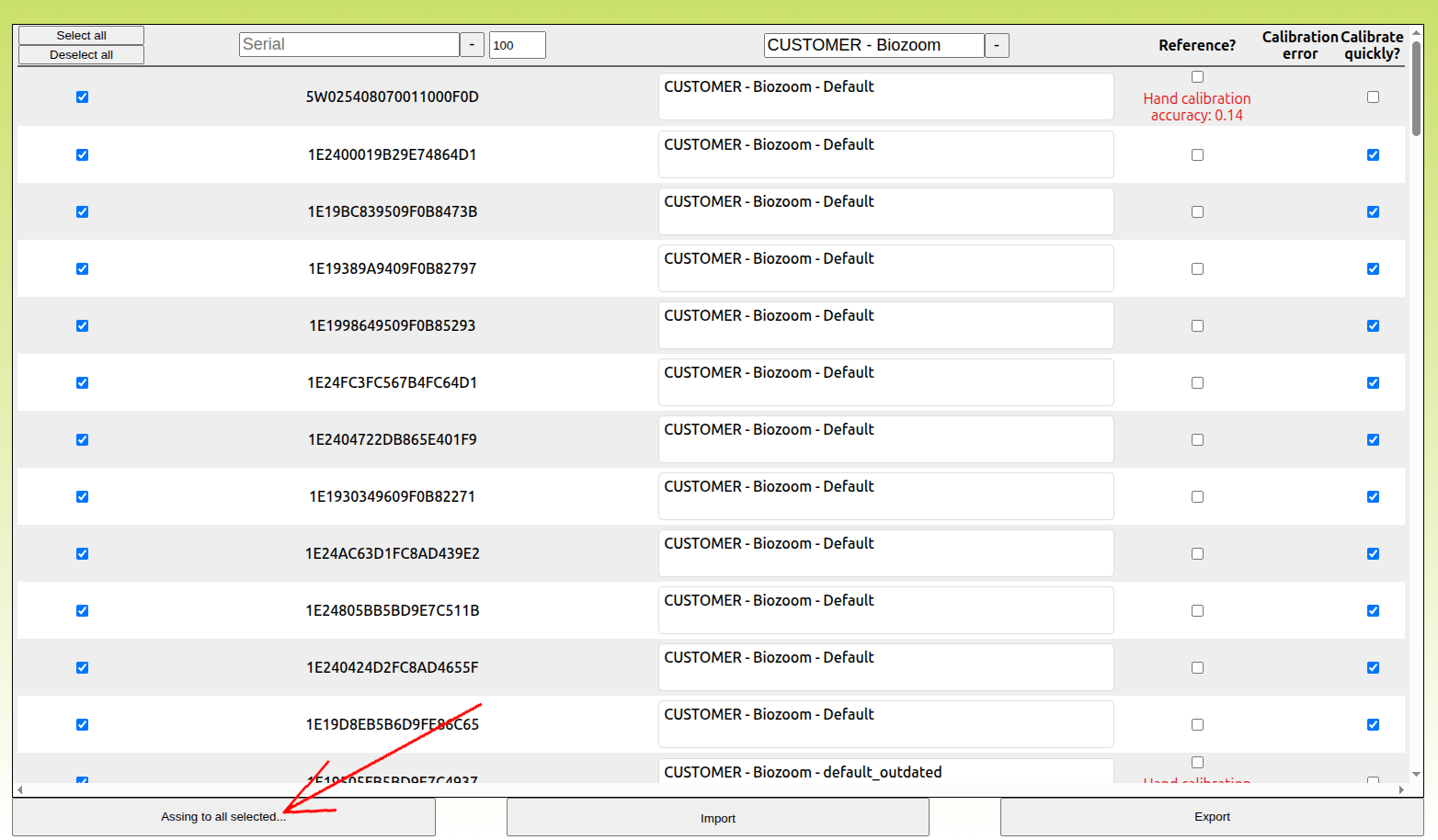
Click 'Assign to all selected...'.
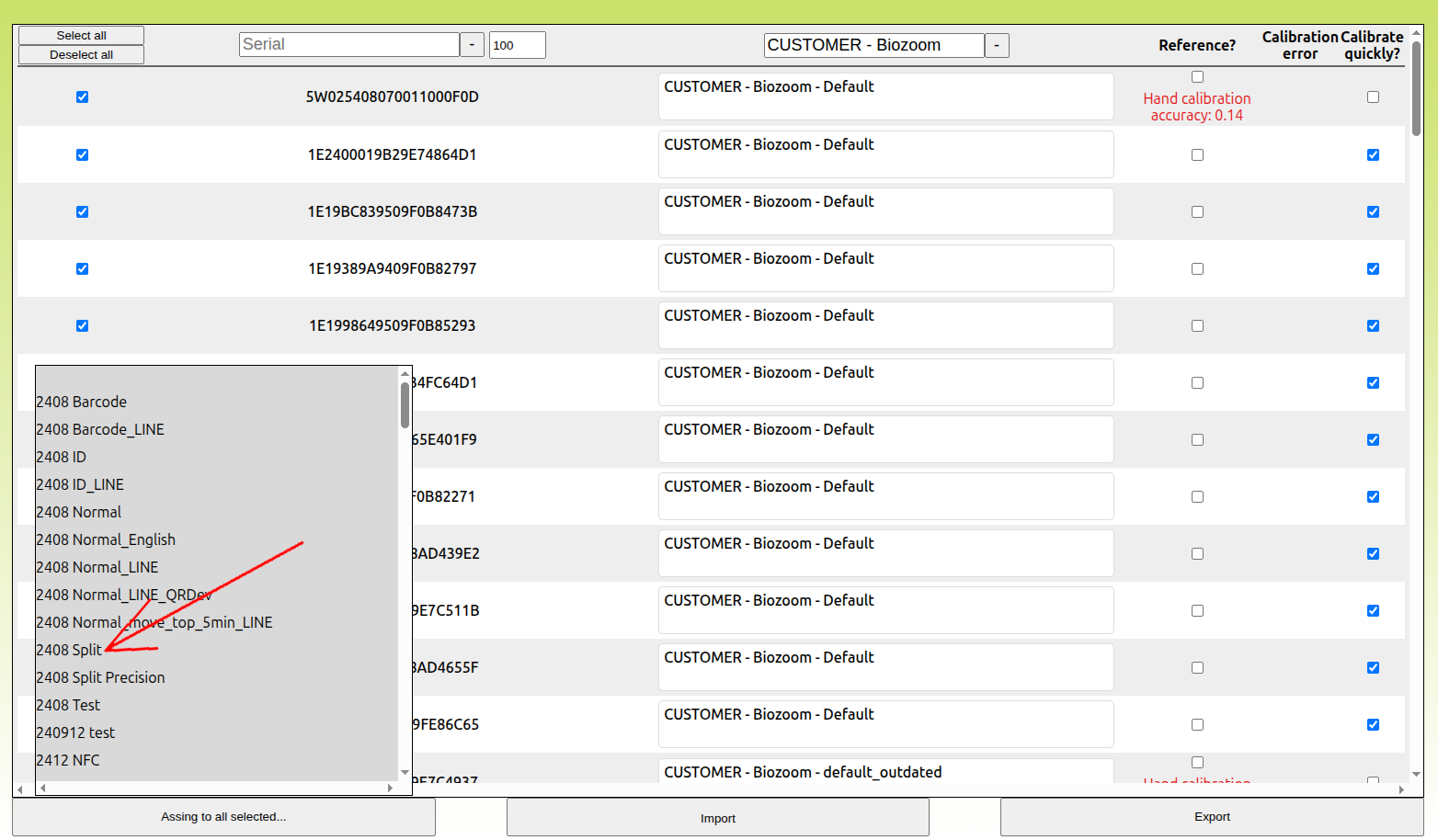
Select a new config. You will be asked whether you want to adjust your scanners. Confirm.